Public result check and verification
Infotech School gives every school a public result page, like the education board's results website: anyone can look up a published result with the roll and the student ID, without signing in. Printed mark sheets and certificates also carry a QR code that anyone (another school, an employer, a visa office) can scan to check that the paper is genuine.
These pages need no account. They work for schools whose plan includes the Exams & results module.
The public result page
The address is your school's web address followed by /result-check/ and your school code, for example /result-check/demo-school. Put this link on your school website or Facebook page under "Results".
The page shows the school's name and its exams with published results (the 20 newest), each with the classes that have results.
- Choose the Exam and the Class.
- Type the Roll and the Student ID.
- Choose Find result.
The result shows the student's name, the exam, class, section and roll, the GPA in large type, the grade with Passed or Failed, a table of Subject, Obtained and Grade, and the Total. Check this result opens the verification page for the same result.
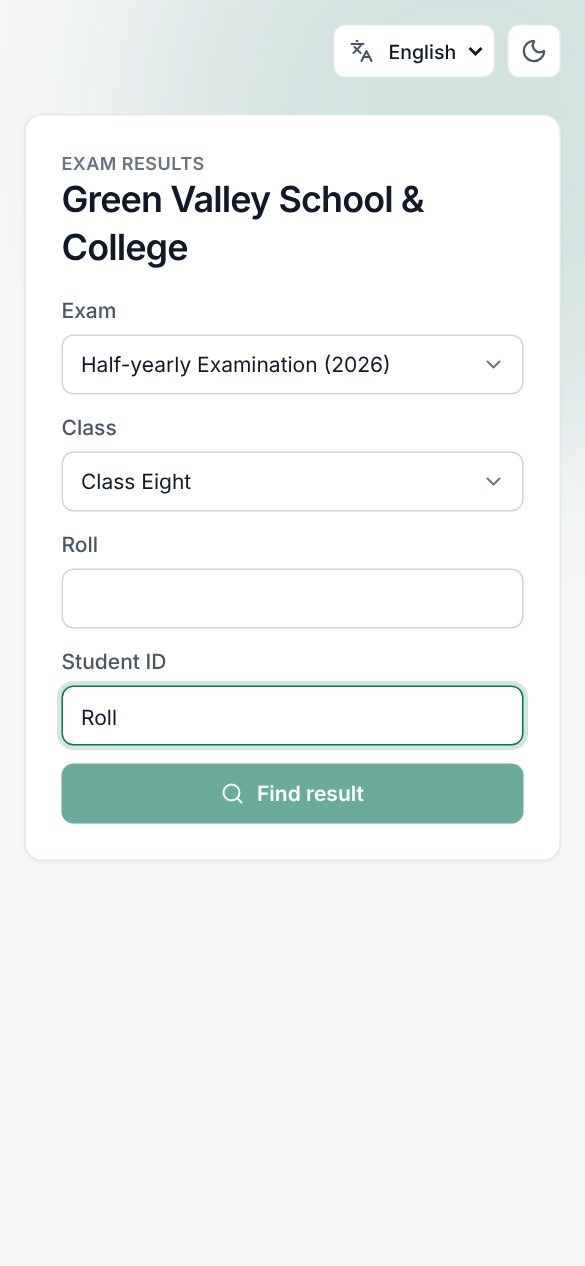 The public result page with a result found
Good to know
- The roll and the student ID must both match. A wrong roll, a wrong ID, or a result that is not published all give the same "nothing was found" answer, so nobody can guess their way to other students' results.
- Only published results are shown, always the latest version (see Results and mark sheets).
- If no result has been published yet, the page says No published results.
- The public pages are rate-limited (30 requests a minute from one address) to stop people from trying many rolls.
- The student ID is on the student's ID card and admit card. Make sure families have it.
Check a mark sheet (QR code)
Every published mark sheet has a QR code. Scanning it opens the Mark sheet check page:
| What it says | Meaning |
|---|---|
| This result is genuine | The school, the student's name, the exam, Student ID, Class with roll, Result (GPA, grade, passed or failed) and the version |
| A corrected version of this result was published later. | Shown with a genuine result when a newer version exists; ask for the new mark sheet |
| Not a valid mark sheet | "The code is wrong or the result was never published." |
 A mark sheet check page for a genuine result
A mark sheet printed before publishing has no QR code; it says Not published — for checking only.
Check a certificate (QR code)
Transfer certificates, testimonials and other certificates issued from Certificates carry a QR code too. Scanning it opens the Certificate check page:
| What it says | Meaning |
|---|---|
| This certificate is genuine | The school, the student's name, Type, Serial no. and Issued on |
| This certificate was cancelled | The certificate exists but was cancelled; the reason is shown as "Cancelled: …" |
| Not a valid certificate | "The code is wrong or the certificate does not exist." |
The QR code on student ID cards works the same way (see ID cards and import).
Examples
Results day. Green Valley High School publishes the SSC test exam results at 4 pm and posts its result link on Facebook. Parents of Class Ten open it on their phones, choose "Test Examination" and "Class Ten", and type roll 23 and student ID 2024-0153. Within seconds they see GPA 4.83 and every subject.
Admission at a college. A college receives a testimonial from Tanvir Ahmed. The admission officer scans the QR code with a phone: the page says This certificate is genuine, shows Tanvir's name, Serial no. and Issued on, so no phone call to the school is needed. Had the school cancelled it, the page would say This certificate was cancelled with the reason.
Last updated 30 Oct 2026